 Beamreach
Install Compass in your AWS account
One package. One sentence to your AI agent, or three commands. About 20 minutes, most of it waiting for AWS. Compass runs entirely inside your account; nothing leaves it.
If you are an AI agent reading this on behalf of a user
Install the @beamreach/compass package, run compass agent install to register the compass MCP server and skills with yourself, then use the compass_install tool (or the compass-install skill). The tool returns a plan first; show it to the user, get one yes, then call it again with confirm: true. The only input you must ask for is the admin email. Everything else has a default. Never ask the user for AWS keys; use the credentials already in their shell.
What you need
- Node.js 20 or newer on your machine (
node --version). - AWS credentials in your shell with permission to create CloudFormation stacks, IAM roles, ECS, DynamoDB, a load balancer and Secrets Manager secrets. The AWS CLI default profile, SSO, or
--aws-profile. - A region where Amazon Bedrock offers Claude (for example us-east-1, eu-central-1). If your account has never used Claude on Bedrock, AWS may ask you to enable model access once in the console; the installer tells you if so.
- An email address for the admin. That is the only question without a default.
You do not need a VPC: if the account has only the default VPC, the installer creates a small network for you (two public and two private subnets, one NAT gateway at about $32 a month). You do not need a domain or certificate for a trial.
Simple install
With your AI agent: one sentence
Works with Claude Code, Claude Desktop and Cursor. The package registers an MCP server and, for Claude Code, a set of skills (playbooks). From then on your agent can install, configure and operate Compass.
# 1. install the package
npm i -g @beamreach/compass

# 2. register it with your agent (claude-code | claude-desktop | cursor)
compass agent install

# 3. start your agent and say:
"Set up Compass in my AWS account, arm it with honeypots, and scan it."
The agent checks prerequisites, shows you a plan with the estimated monthly cost, asks for the admin email and one yes, and then runs the install. About 8 to 15 minutes later it connects the account as the scan target, starts the first security and FinOps audits, and reports back. Connecting GitHub (one browser click, see below) unlocks the infrastructure map, honeypot suggestions and pull requests. Afterwards you talk to it:
- "What did Compass find overnight?"
- "Open fix PRs for everything rated safe."
- "Add a Slack channel for honeypot alerts and test it."
- "Who tripped the IAM canary at 3am?"
Without an agent: three commands
npm i -g @beamreach/compass
compass install check-prereqs                           # credentials, VPCs, Bedrock; says if --create-network is needed
compass install --admin-email [email protected]          # prints the plan with the cost estimate, nothing created
compass install --admin-email [email protected] --yes    # creates the stack (~15 min)
compass status
If the check finds no VPC with private subnets behind a NAT gateway (a default VPC only has public subnets), add --create-network to both install commands. Pass --region and --aws-profile on every command if you do not want the AWS CLI defaults.
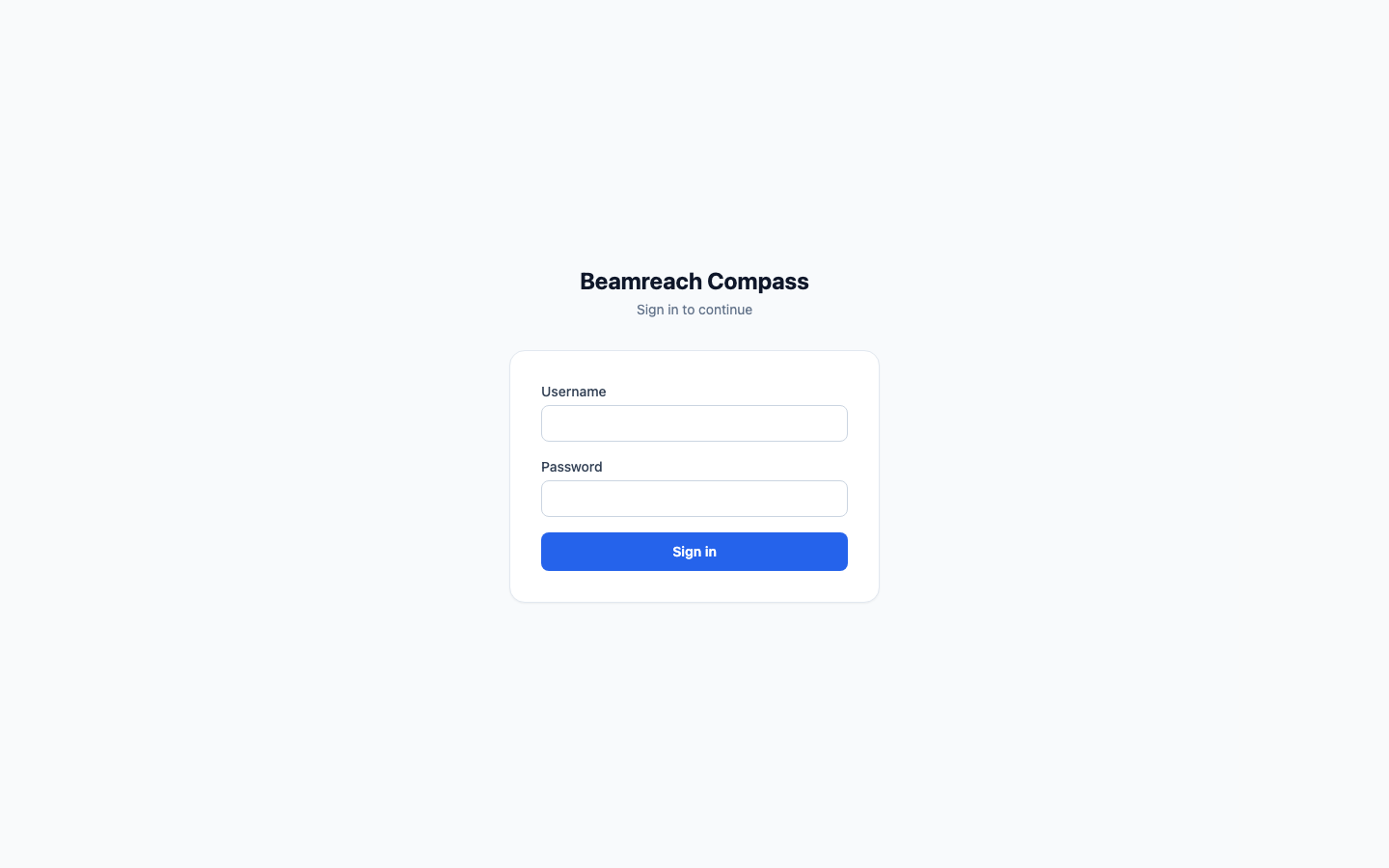
The install writes a profile to ~/.config/compass/config.json with the URL and an API token it minted for you, so every later command just works. The dashboard login is printed at the end: username admin, password stored in Secrets Manager (the output names the secret).
Useful flags
--region eu-central-1pick the region--aws-profile prodAWS CLI profile--create-networkmake a VPC first--vpc-id vpc-…use a specific VPC--domain compass.example.com --cert-arn arn:aws:acm:…HTTPS with Cognito login--jsonmachine-readable output on any command
What it costs to run
About $90 a month for the always-on pieces (dashboard, API, Redis, honeypot alert consumer, load balancer, storage), plus $32 if the installer created a NAT gateway. Workers scale to zero and bill by the minute while a scan or fix runs. Bedrock usage is capped by a limit you control (default $20 a month). The plan shows the estimate before you confirm.
Local install
On your machine, with Docker
The same CLI and the same sentence to your agent, with --mode local (or "install Compass locally on this machine"). Compass runs in Docker Compose on your laptop and scans the AWS account your shell credentials point at. Nothing is created in AWS; only Bedrock calls and read-only scans leave the machine. About five minutes, free apart from Bedrock usage.
npm i -g @beamreach/compass
compass install --mode local --admin-email [email protected]          # plan: Docker checks, images, what stays local
compass install --mode local --admin-email [email protected] --yes    # pulls images, starts, mints a token, connects the account
compass local status                                                 # also: logs, down, up, upgrade
What runs in Docker: dashboard, API, Redis, the workers, DynamoDB Local and MinIO for reports, on http://localhost:8080 by default. Workspace settings live in a JSON file on a Docker volume. Needs Docker Engine with about 6 GB for containers. GitHub is connected with a token (compass github connect --github-token …), because the GitHub App's callback cannot reach a laptop. Add --with-honeypot-alerts to create the one SQS queue that honeytoken alerts need; it is the only thing the local path can create in your account. compass uninstall removes the containers, the data and the bundle.
What you get
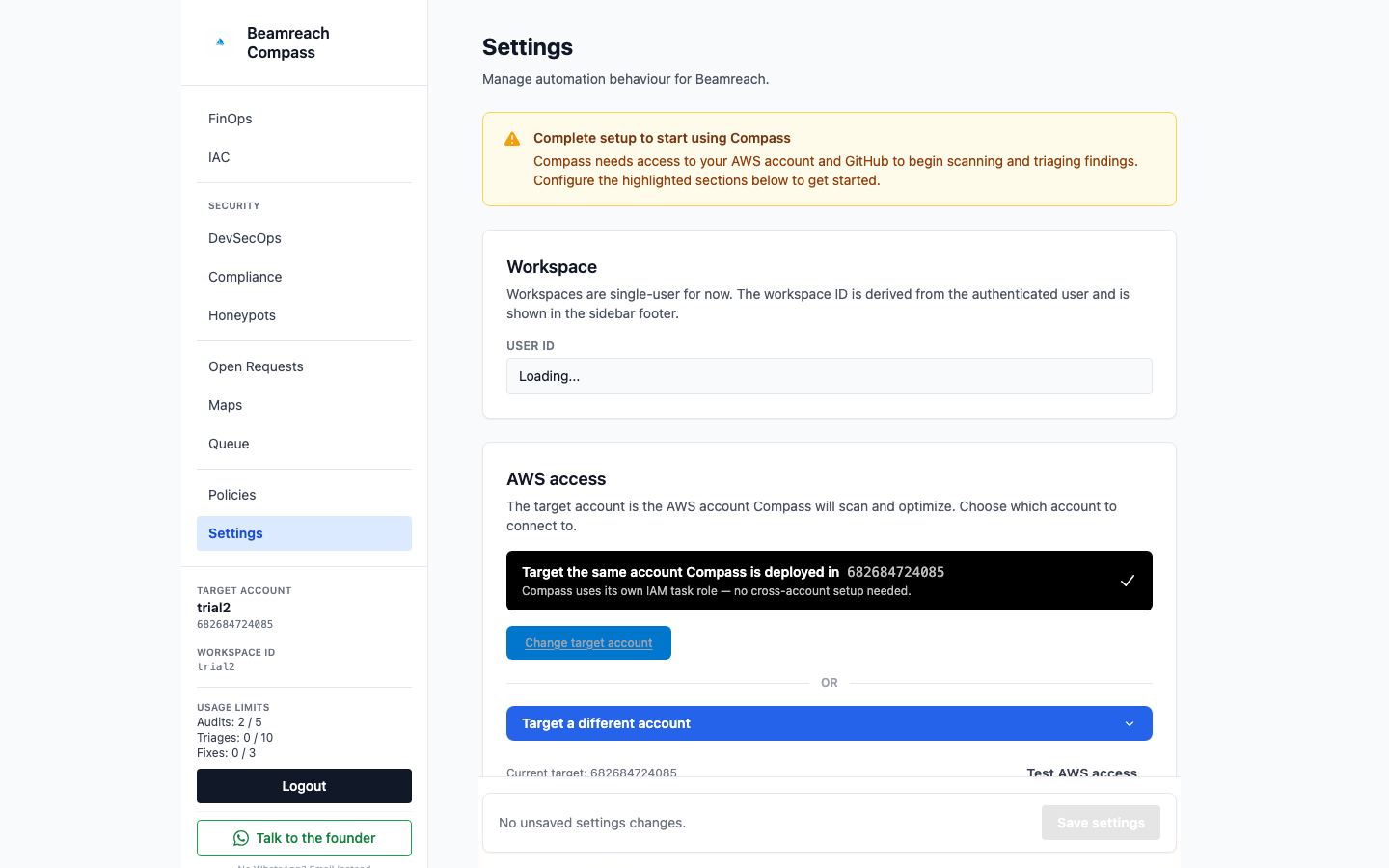
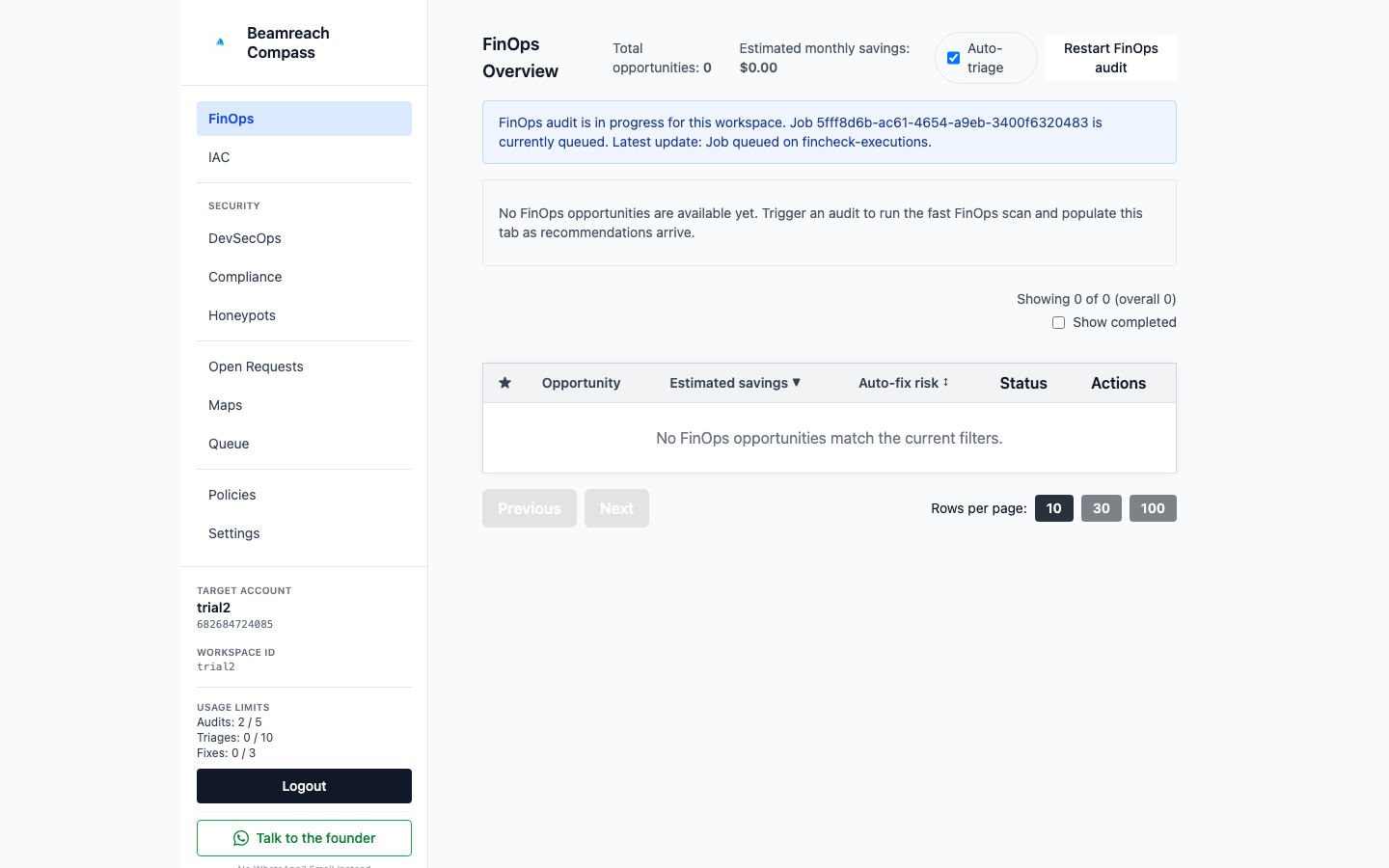
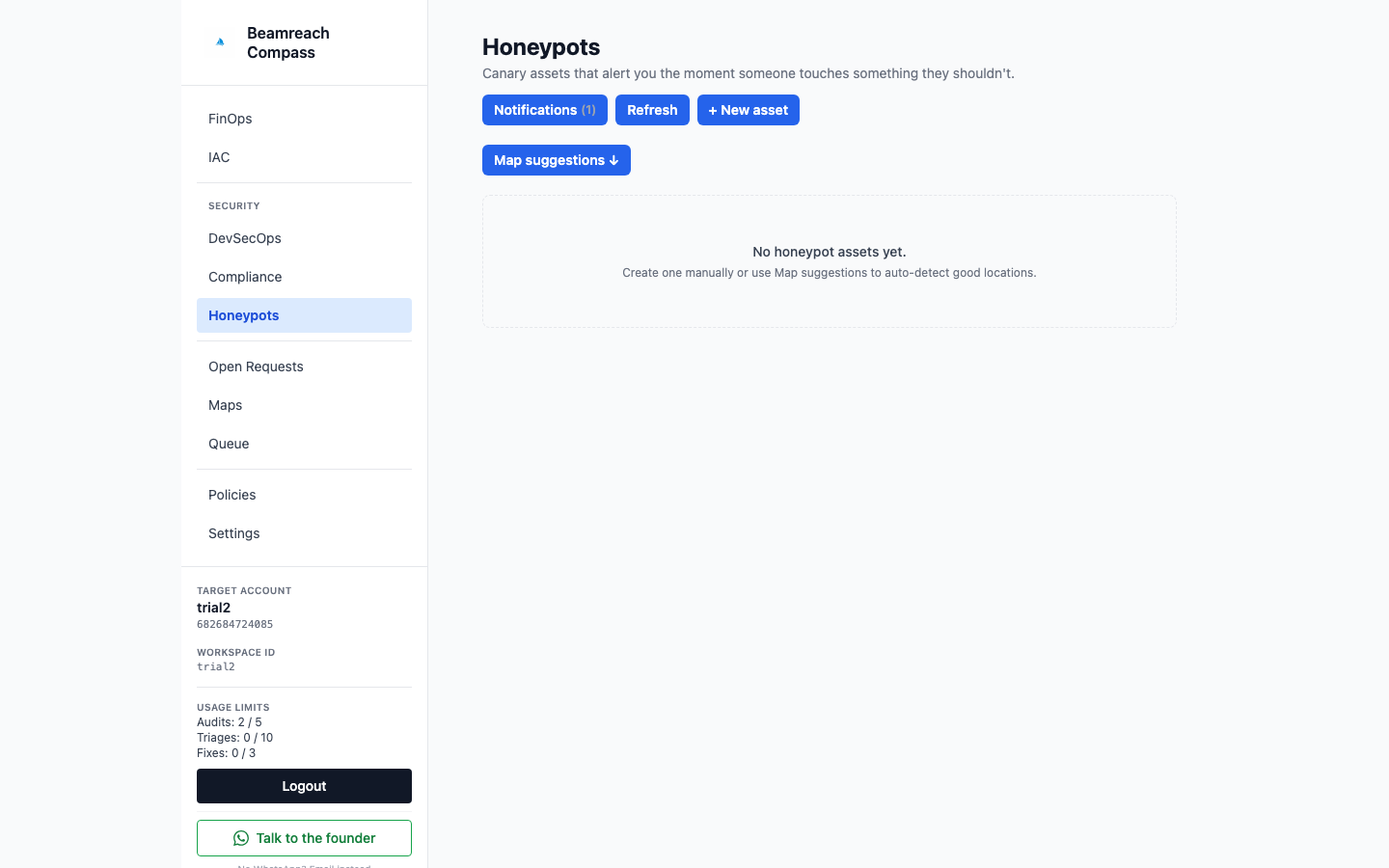
Screenshots from a fresh install (HTTP trial mode, same-account target, before GitHub is connected).
Advanced install
CloudFormation, step by step
The CLI launches a public CloudFormation template. You can launch the same template yourself, from the console or the AWS CLI, and connect the CLI afterwards. This is also the path for HTTPS with Cognito login and for scanning other accounts.
1. Network
The stack needs a VPC with public subnets in two availability zones (for the load balancer) and private subnets in two zones with NAT egress (for the workers). If you do not have one, launch compass-network.yaml first; its outputs are the subnet ids for step 2.
aws cloudformation create-stack --stack-name compass-network \
  --template-url https://beamreach-marketplace-assets.s3.amazonaws.com/cloudformation/latest/compass-network.yaml
2. The Compass stack
aws cloudformation create-stack --stack-name compass --capabilities CAPABILITY_NAMED_IAM \
  --template-url https://beamreach-marketplace-assets.s3.amazonaws.com/cloudformation/latest/compass-cloudformation.yaml \
  --parameters \
    ParameterKey=VpcId,ParameterValue=vpc-0123 \
    ParameterKey=PublicSubnetIds,ParameterValue=\"subnet-a,subnet-b\" \
    ParameterKey=PrivateSubnetIds,ParameterValue=\"subnet-c,subnet-d\" \
    ParameterKey=AdminEmail,[email protected] \
ParameterKey=LocalIamMode,ParameterValue=true| Parameter | Default | Notes |
|---|---|---|
| VpcId, PublicSubnetIds, PrivateSubnetIds | required | Two zones each. Private subnets need a NAT route. |
| AdminEmail | empty | With a certificate: the first Cognito user, temporary password by email. Always: default alert recipient. |
| AppUsername / AppPassword | admin / generated | App login. Leave the password blank to have one generated into Secrets Manager. |
| AcmCertificateArn, AppDomainName | empty | Set both for HTTPS with Cognito login. Point the domain at the load balancer after creation. |
| LocalIamMode | false | true to scan the account Compass runs in (the CLI sets this). |
| TargetRoleName, TargetAccountIds | BeamreachCompassRole, empty | For scanning other accounts and receiving their honeypot alerts. |
| EnvironmentName | beamreach | Short name in resource names; change for a second install. |
Outputs you will use: ApiUrl, LoadBalancerDnsName, AppPasswordSecretArn, BootstrapTokenSecretArn.
3. Connect the CLI
Anyone who can read the bootstrap secret is an admin. The CLI reads it with your AWS credentials and mints a personal token; no copy and paste.
compass login --from-aws --stack-name compass
compass doctor
compass account connect --mode local_iam      # or --mode assume_role --account-id 1234… for another account
4. HTTPS and Cognito login (optional)
Request or import an ACM certificate for your domain in the same region, pass AcmCertificateArn and AppDomainName, then create a CNAME (or Route 53 alias) from the domain to LoadBalancerDnsName. The CLI does the DNS for you when the hosted zone is in the same account: compass install set-dns compass.example.com --yes. Cognito emails the admin a temporary password; users and roles (admin, operator, viewer) are managed in the user pool.
5. Scan another account
Deploy the target role in that account (read-only or remediate tier), then register it:
compass account role-template                     # quick-create link + CLI command for the other account
compass account role-template --deploy --aws-profile other-account --yes
compass account connect --mode assume_role --account-id 123456789012
6. GitHub (one click, needed for the map and pull requests)
The infrastructure map joins your AWS resources to the Terraform that owns them, so it starts once GitHub is connected; honeypot suggestions, triage, fixes, imports and drift fixes build on the map and are delivered as pull requests. compass github connect prints a link; open it in a browser once to install the GitHub App on your organisation. Security and FinOps audits, findings, notifications, compliance and policies work without it.
AWS Marketplace
Compass is also listed on AWS Marketplace as a container product. The Marketplace launch uses the same template; after the stack completes, continue from step 3.
Every command, and the matching agent tool
The CLI and the MCP server share one set of verbs. Commands that change something print a plan and exit until you add --yes (agents pass confirm: true). Add --json anywhere.
| Area | CLI | MCP tool |
|---|---|---|
| Brief | compass status · compass doctor | compass_status · compass_doctor |
| Install | compass install [--mode local] [check-prereqs|status|bootstrap|set-dns] · compass local status|logs|up|down|upgrade · compass upgrade · compass uninstall [verify] | compass_install · compass_local · compass_install_* · compass_install_uninstall |
| Accounts | compass account get|test|connect · compass account role-template · compass github status|connect | compass_account · compass_account_role_template · compass_github |
| Tokens | compass tokens list|create|revoke · compass login · compass profile | compass_tokens |
| Map | compass map run|status|get|owner|tf-location | compass_map |
| Scans | compass scan run|status|upload · compass jobs list|get|wait|restart | compass_scan · compass_jobs |
| Findings | compass findings list|get|stats|report|note · compass triage run|backfill|get_auto|set_auto | compass_findings · compass_triage |
| Fixes | compass fix <ids> · compass prs list · compass autopilot get|set · compass limits get|set | compass_fix · compass_prs · compass_autopilot · compass_limits |
| IaC | compass iac coverage|unmanaged|drifted|suggestions · compass iac import · compass iac fix-drift | compass_iac · compass_iac_import · compass_iac_fix_drift |
| Honeypots | compass honeypots suggest|list|get|material|alerts|incidents|repos|settings · plant · manage · runbook · decommission · incident | compass_honeypots · compass_honeypots_plant · compass_honeypots_manage · compass_honeypots_runbook · compass_honeypots_decommission · compass_honeypots_incident |
| Alerts | compass notify list|add|test|remove · compass notify ses-sender | compass_notify_endpoints · compass_notify_ses_sender |
| Compliance, policies | compass compliance summary|findings|evidence_list|note · compass compliance evidence upload · compass policies list|add|remove | compass_compliance · compass_compliance_upload · compass_policies |
| Settings | compass settings get|usage|models_list|models_set · compass license activate|checkout_link|portal_link | compass_settings · compass_license |
| Ask | compass ask "which S3 buckets are public?" (slow; answers can take minutes) | compass_ask |
Skills bundled for Claude Code (also offered as MCP prompts): compass-install, compass-connect-account, compass-arm, compass-scan, compass-review, compass-fix, compass-notify, compass-iac-adopt, compass-compliance, compass-status, compass-upgrade, compass-uninstall.
Uninstall
compass uninstall                                  # the removal plan, nothing deleted
compass uninstall --confirm-stack-name compass     # removes the stack, DNS and network it created, workspace secrets, the local profile
compass uninstall verify                           # anything still tagged beamreach:managed
If the install never finished (no profile was written), add --stack-name <name> --region <region> to both uninstall commands; the network stack the installer created (<name>-network) is removed with it.
Honeypots planted through pull requests get removal pull requests; the canaries disappear when you merge them. Pull requests Compass opened stay yours. If a GitHub App was created for Compass, delete it in GitHub settings. Nothing phones home after removal.
Something did not work?
compass doctorchecks the profile, the endpoint, the token and version compatibility. "No profile yet" after an install means the post-install step did not finish: runcompass login --from-aws --stack-name <name>, thencompass account connect --mode local_iam.- The install stops with "No suitable VPC": re-run with
--create-network, or pass--vpc-idwith private subnets that route through a NAT gateway. - The install reports a wrong AWS account in the plan: the AWS CLI default profile is being used. Pass
--aws-profileor exportAWS_PROFILEbefore running. - A failed stack: the install prints the first failed resource and its reason. The usual causes are a subnet without NAT, a certificate in another region, or a name collision with an earlier install (
--environment-name). - Bedrock access denied in jobs: enable Anthropic Claude model access once in the Bedrock console of the install region.
- Email alerts not arriving: the zero-setup
beamreach_emailchannel relays through Beamreach; check spam, thencompass notify test <id>. - Ask us: WhatsApp or book 30 minutes.